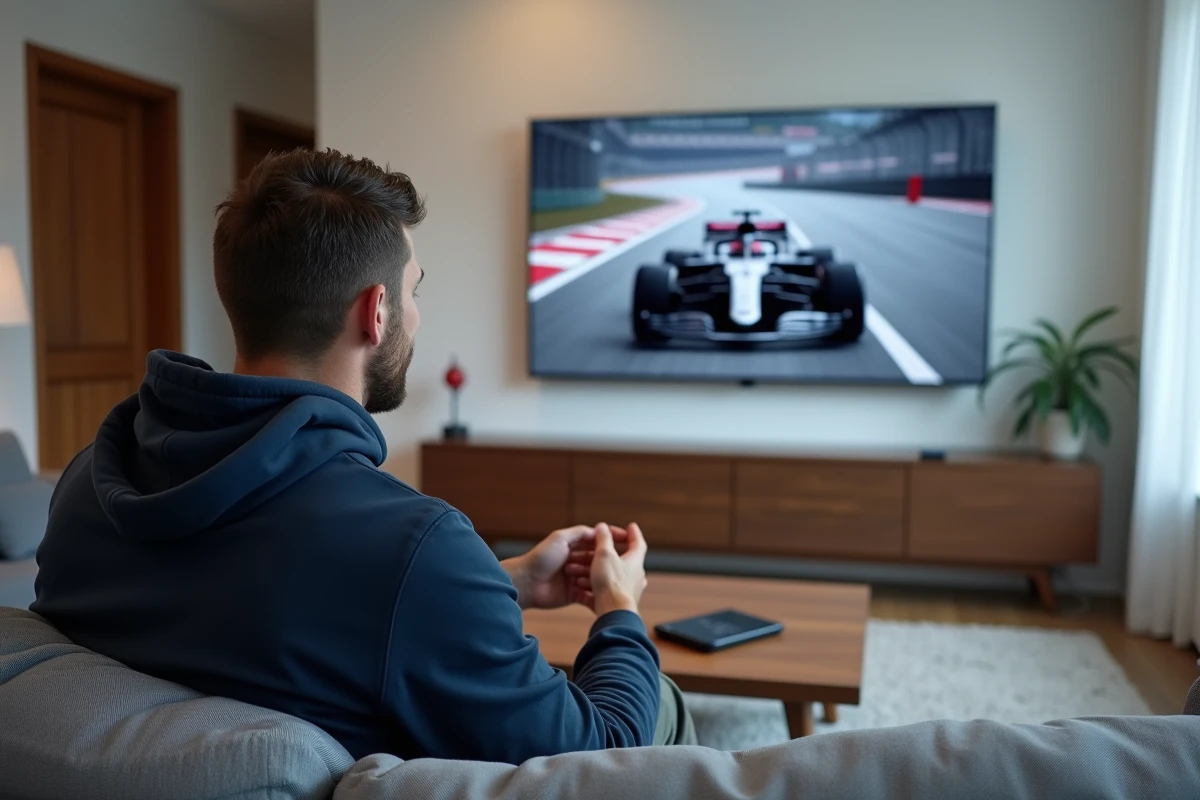
It’s Sunday, the Grand Prix starts in twenty minutes, and we’re frantically searching for the right link on Auvio. The RTBF platform streams F1 for free, but you still need to know where to click and when to log in to not miss anything, from free practice to the checkered flag.
The Formula 1 page on Auvio: a dashboard that no one really uses
Most online guides focus on the VPN issue and overlook a practical point: Auvio has a dedicated “Formula 1” page that centralizes live broadcasts, replays, and content related to each Grand Prix. Instead of digging through the “Sport” category or the “Motors” section, you can go directly there to quickly check what’s scheduled.
This page functions like a real dashboard. It shows the upcoming sessions (free practice, qualifying, race) and the “Live!” button appears as soon as a session is being broadcast. For those who want to watch F1 on RTBF with Veriscope, this page is the most reliable starting point.
The reflex to adopt: bookmark this page in your browser or on your phone’s home screen. This way, you avoid going through Auvio’s homepage, where sports content gets mixed up with series and documentaries.
Practice, qualifying, and race on RTBF Auvio: don’t confuse the time slots

A Formula 1 weekend is divided into several sessions spread from Friday to Sunday. RTBF doesn’t necessarily broadcast each session with the same visibility on Auvio, and that’s where many viewers lose track.
What is broadcast live and what is not
Sunday races are systematically offered live on Auvio. Saturday’s qualifying sessions are also regularly covered. However, free practice does not always have a dedicated live broadcast; the coverage varies depending on the race weekends.
Checking the F1 page on Auvio on Friday morning allows you to know exactly which sessions will be covered. You can spot the time slots and adjust your notifications accordingly.
The trap of time zones
Grand Prix races take place on all continents. A race in Japan or Australia starts early in the morning in Belgian time, sometimes before sunrise. Auvio displays the times in local Belgian time, which simplifies the calculation. Just check the dedicated page the day before to set your alarm.
Watching F1 on RTBF from France: the geographical constraint
Auvio is a Belgian platform. From France, access to live content is blocked by geo-restriction. This is the point that most tutorials address first, often recommending a VPN.
- A VPN with a server in Belgium allows you to simulate a connection from Belgian territory and unlock Auvio’s live broadcasts. The choice of provider matters: not all have fast and stable Belgian servers during a Grand Prix.
- The connection must be established before opening Auvio. If you connect to the VPN after loading the page, the geo-blocking may persist until a complete reload.
- On mobile, the Auvio app works with an active VPN as long as GPS location is turned off or masked. Without this precaution, the app may detect the actual location and block the stream despite the VPN.
Once the geographical constraint is lifted, you get exactly the same interface as Belgian viewers, with the Formula 1 page as the entry point.
Organizing your F1 weekend on Auvio without missing anything
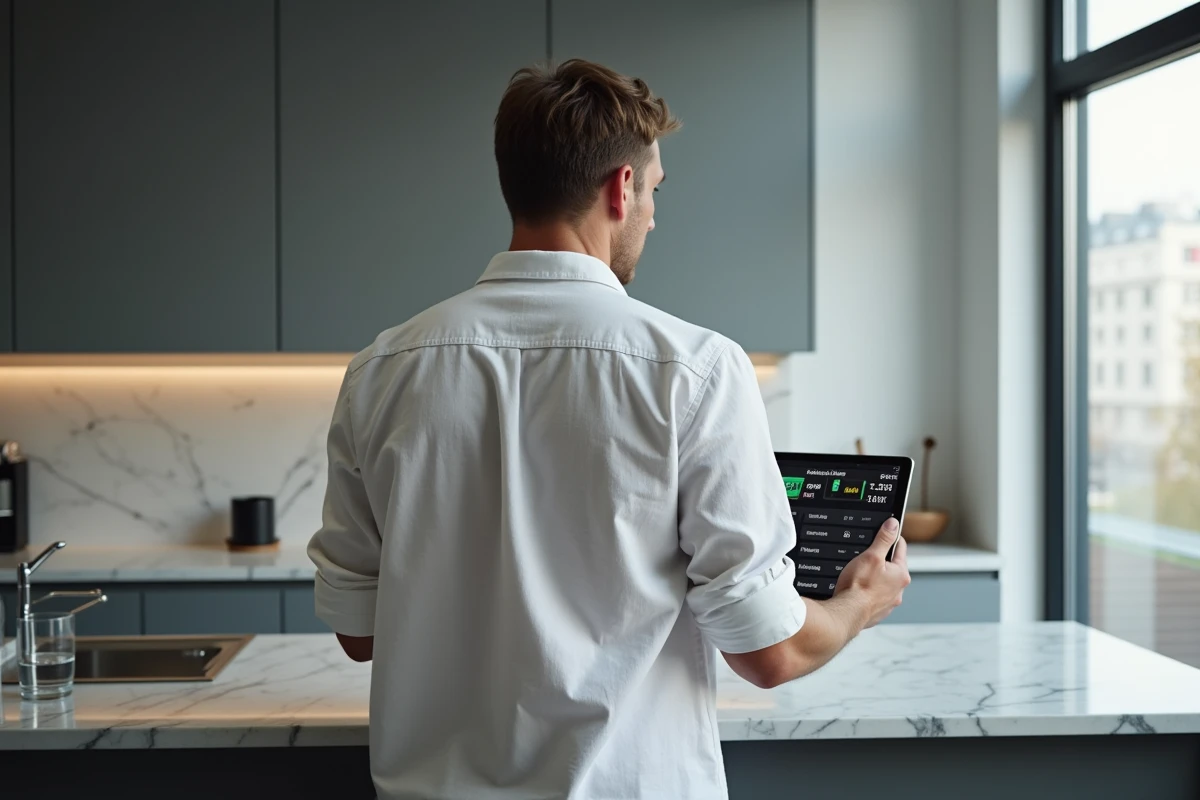
Having access to Auvio isn’t enough if you miss the notification or confuse the schedules. Here’s a concrete method to structure each Grand Prix weekend.
- On Thursday evening, check the Formula 1 page on Auvio to spot the scheduled sessions and their exact times.
- Add each time slot to your phone’s calendar with an alert fifteen minutes before the start. This way, you avoid relying solely on Auvio’s notifications, which may arrive late or get lost in the feed.
- On Sunday, log in at least ten minutes before the race. Live streams on Auvio often start with the grid formation, allowing time to check that everything is working.
- In case of a stream interruption, reload the page instead of closing and reopening the app. This allows you to resume the live broadcast without going back through any potential waiting line.
The replay as a safety net
When you miss a live broadcast, Auvio usually puts the race in replay on the same Formula 1 page. The replay is available fairly quickly after the session ends, allowing you to catch up on a missed qualifying before the Sunday race.
Also, remember to mute social media notifications to avoid spoilers if you’re watching on delay. A silly detail, but it makes all the difference when the result comes in before you’ve started the replay.
With the Formula 1 page on Auvio bookmarked, a well-set calendar, and a functional VPN if you’re watching from France, following the complete F1 season on RTBF becomes a simple routine. The hardest part remains getting up for the races in the Asia-Pacific region.